Project · In public beta
OHPI
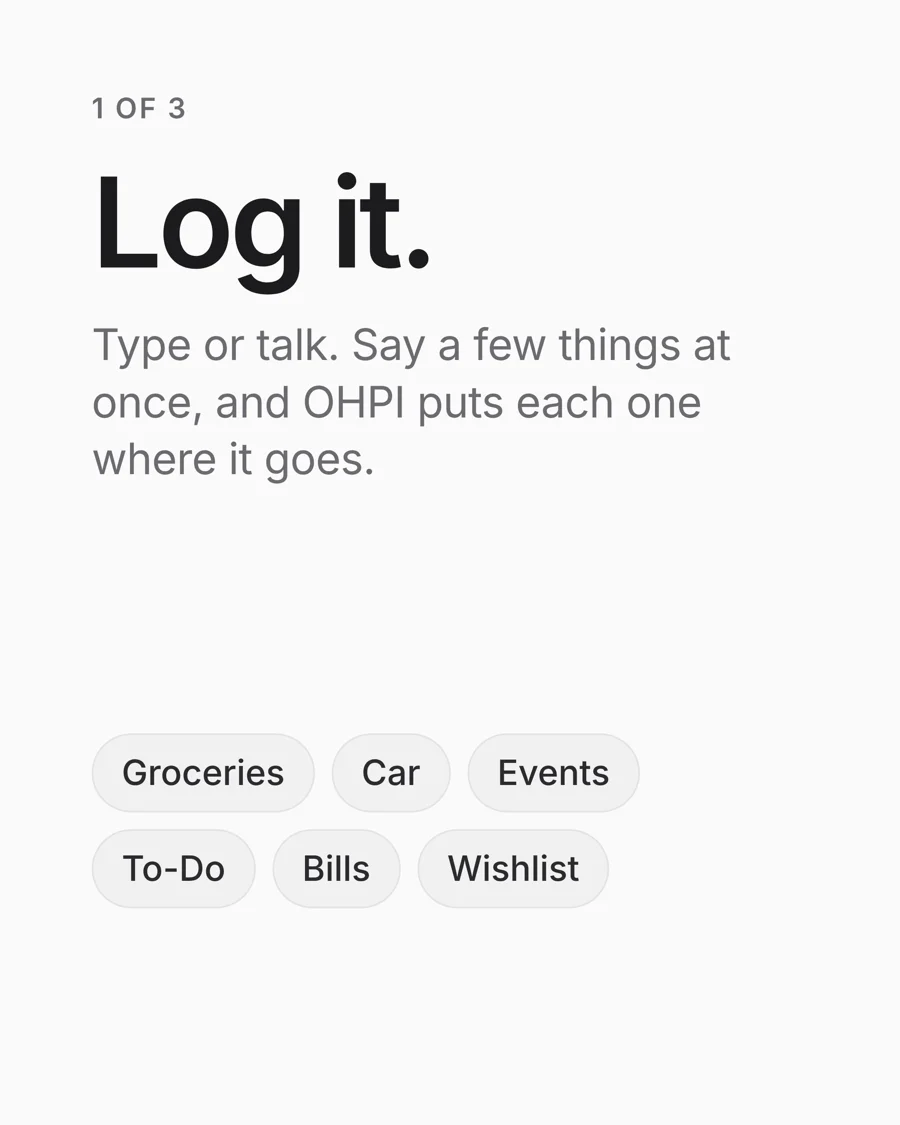
Log it. Find it. Use it. An app that takes whatever you type or say and files it where it belongs. I designed it, built it, secured it and launched it, solo.
- Role
- Founder, solo builder
- What I did
- Product, engineering, security, brand, site, launch
- Status
- Public beta on TestFlight
- Site
- ohpi.app
What it is
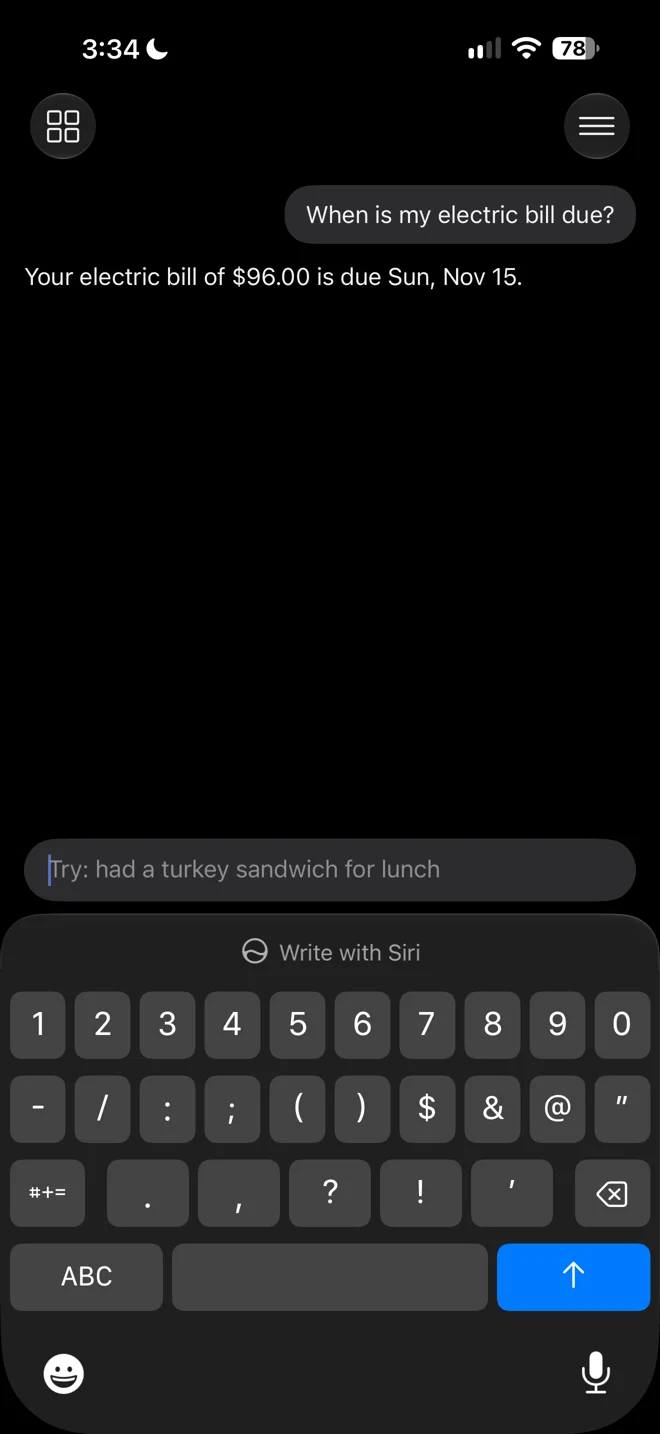
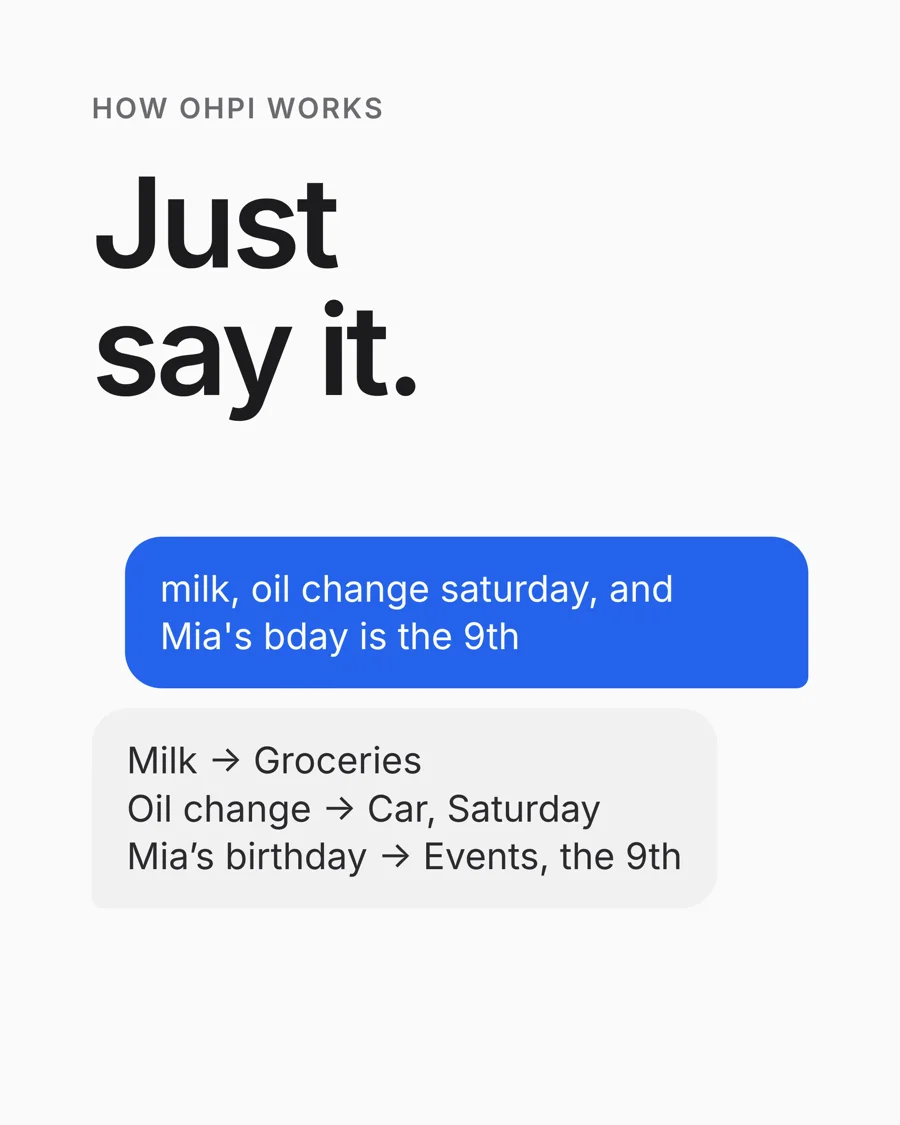
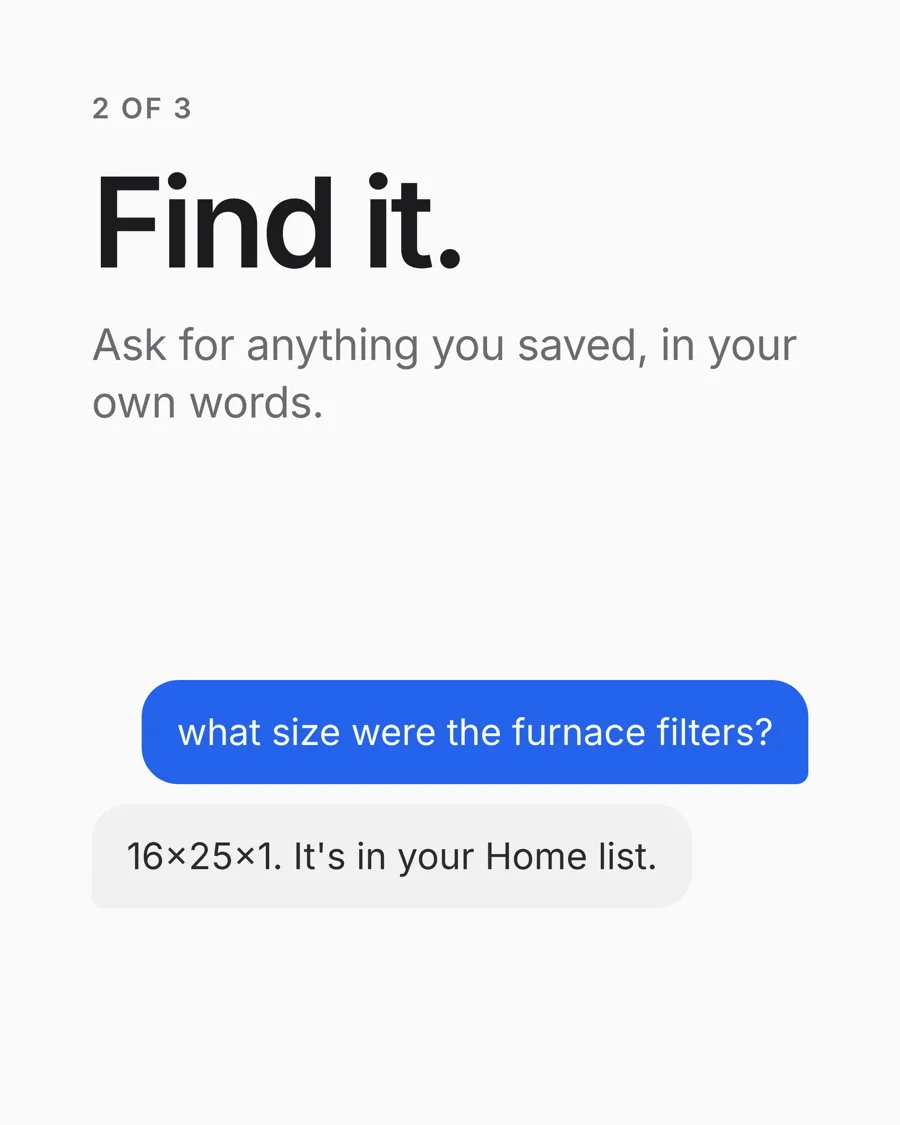
OHPI (said "Opie") is an app for iPhone, iPad and Mac. There's one box: type or say anything, like "milk, oil change Saturday, and Mia's bday is the 9th", and OHPI sorts each piece into the right list, the calendar or a reminder. Later you just ask, in your own words, and it finds the answer.
It's for everyday people who find tools like Notion and Evernote too much work. I built it for myself first, then for them.
How I built it
I took OHPI from an idea to a working product on my own. I made every product, design and security decision, wrote the specs, tested every change on real iPhones, iPads and Macs, and kept the project's rules and docs so each step built on the last. It went from first build to public beta in about a month.
What I built
The app
Native Swift and SwiftUI for iPhone and iPad, and on Macs as an iPad app.
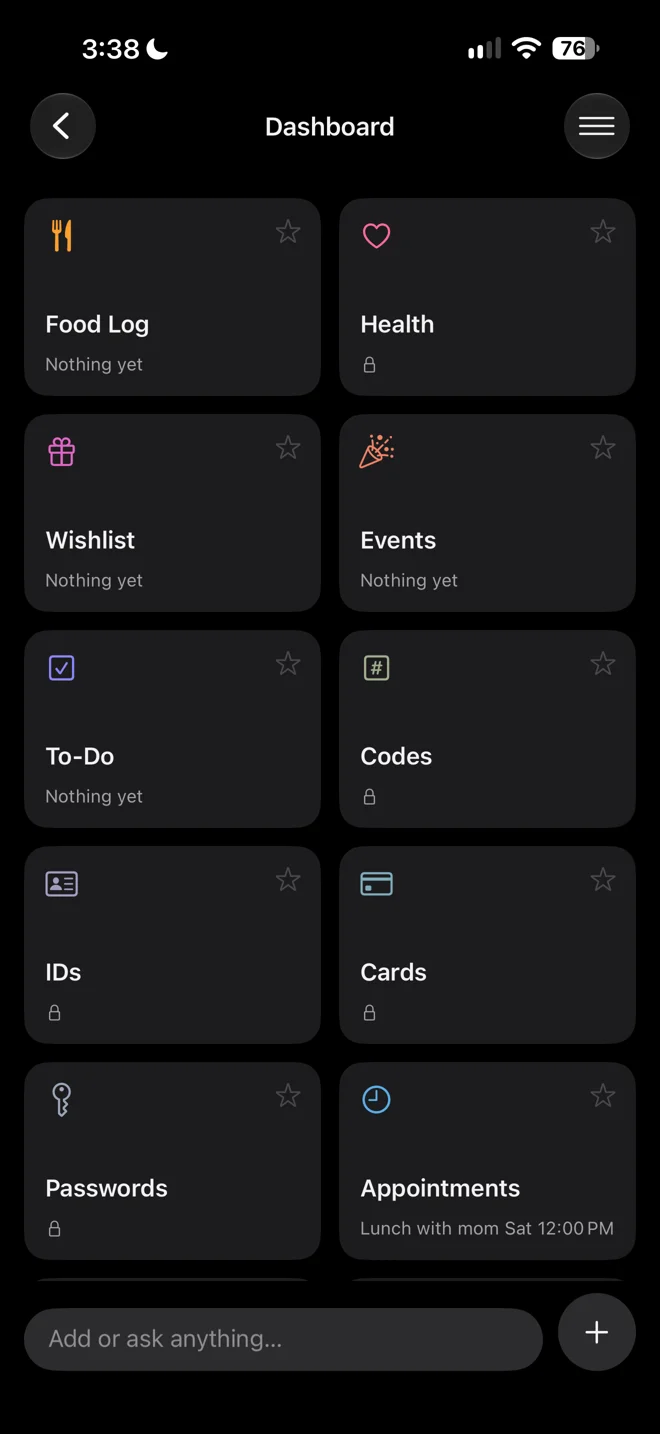
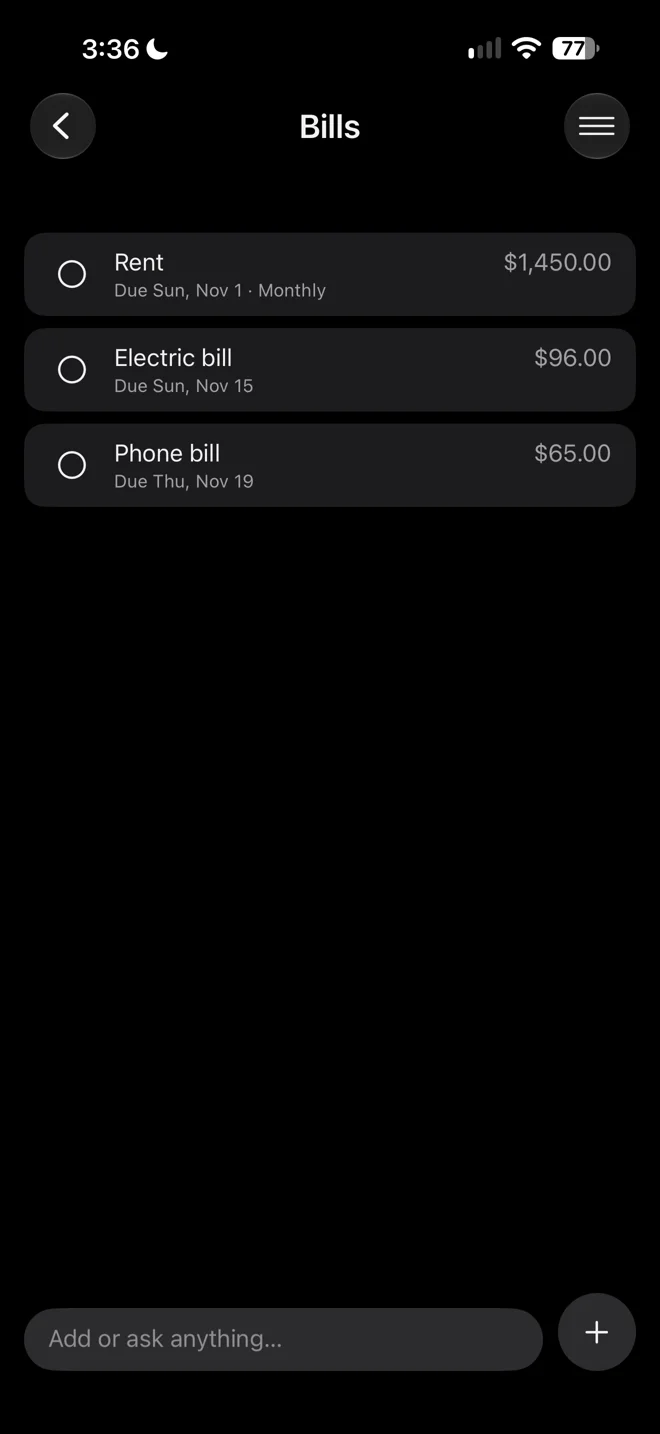
- 18 lists, from Groceries and Bills to a Food Log and Wishlist
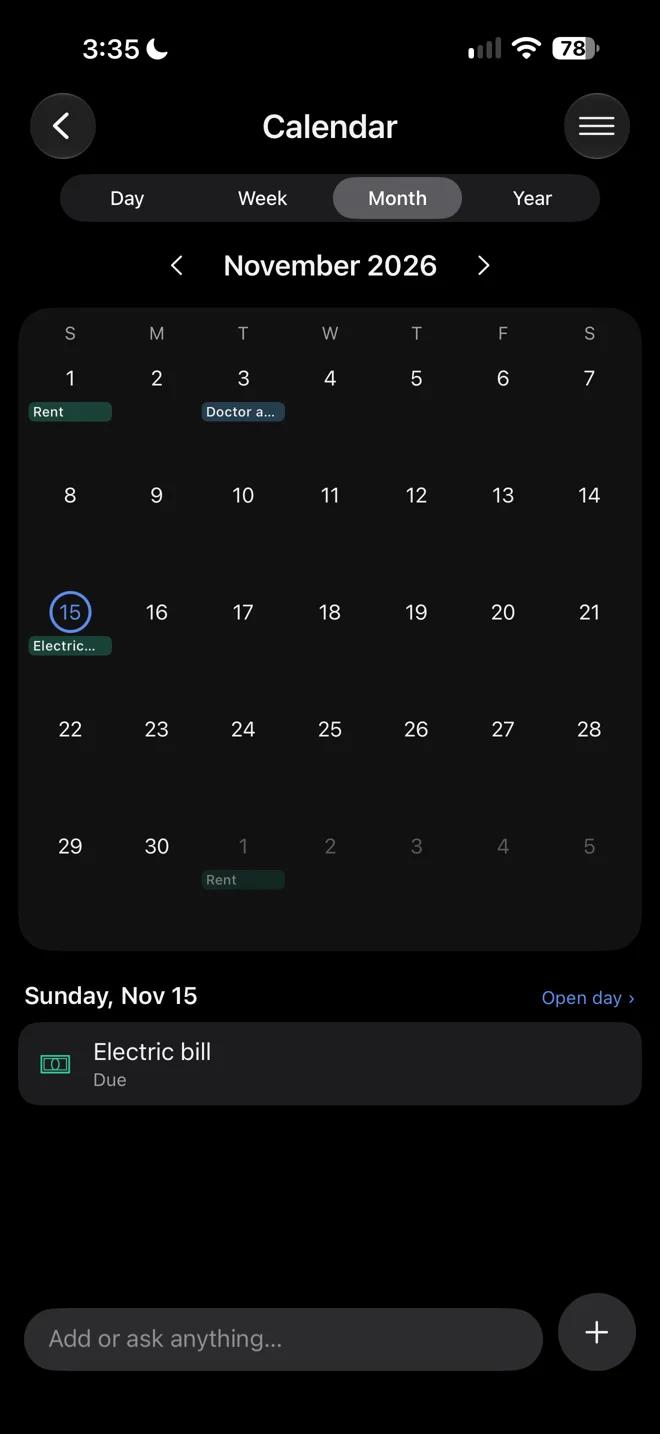
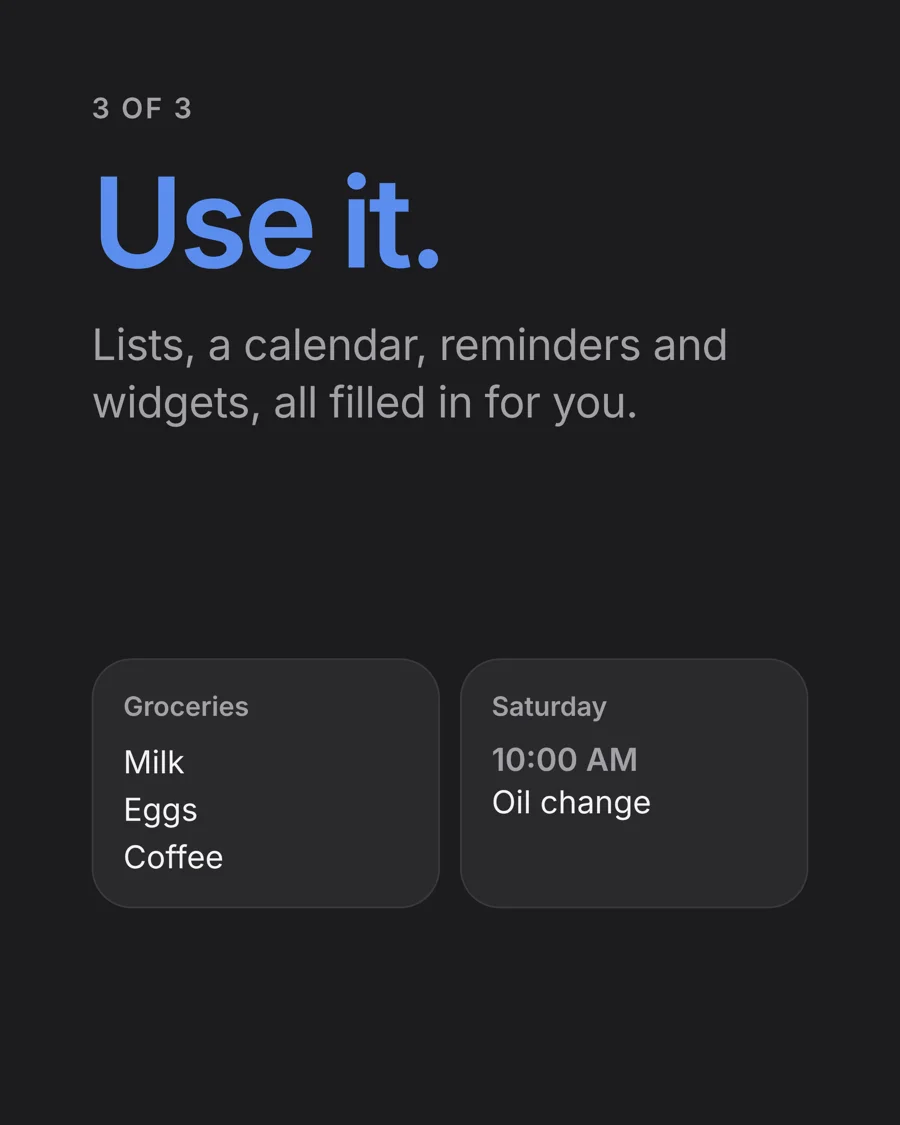
- Calendar and reminders that fill in from what you said
- Home Screen widgets, Siri and the Action Button
- Voice input, so you can just say it
The AI
The part that makes one box work.
- Every reply comes back as structured data: which list, which fields, how sure it is
- Four outcomes: saved (with undo), an answer, a one-tap "Which list?", or a Face ID prompt for anything sensitive
- When you correct it, the fix is saved as an example so it learns your way, no retraining
The backend
Accounts, sync and storage that only you can read.
- Postgres with row-level security, so every row belongs to one account
- Private file storage for photos
- Server functions, so the AI key never touches the phone
- Sign in with Apple, Google or email
The website
ohpi.app, live since October 16.
- Waitlist and beta sign-ups with bot protection checked on the server
- Strict security headers, no trackers, no cookies
- Terms, Privacy and a security.txt
The brand
One promise that fits on a phone screen: Log it. Find it. Use it.
- Name, voice and word rules: plain, friendly, never techy
- App Store and TestFlight copy
- Launch posts and the call for beta testers
The launch
Everything a real product needs before strangers use it.
- A guided setup flow for new users
- In-app "Report a problem"
- Terms and Privacy live before the beta opened
- Public beta on TestFlight, now on build 15
Built to keep secrets.
People put passwords, card numbers and IDs into OHPI, so security wasn't a feature to add later. I designed it in from the start, wrote up how each piece works, then audited the whole thing myself.
The Vault
Passwords, Cards, IDs and Codes live in four lists that open only with Face ID.
- Each account gets its own random 256-bit key, kept in the iPhone's Keychain
- Every item is sealed with AES-GCM and tied to its own ID, so sealed items can't be swapped
- The server only ever stores locked data it can't read
- Locked photos are sealed the same way
Recovery without a back door
Lose your phone and you can still get in. Nobody else can, including me.
- A recovery key only you hold unlocks your vault key
- A fingerprint check confirms the right key before anything changes
- Key changes can't overwrite each other mid-update
Approving a new device
Signing in on a new phone has to be approved from one you already have.
- The key moves over an encrypted handoff, never through the server in the clear
- A 6-digit code on both screens, plus Face ID every time
- Requests expire in 10 minutes, max 5 an hour, 3 tries
What the AI never sees
Secrets are stripped out on the phone before anything is sent.
- Apple's on-device AI checks for passwords first, offline
- The AI key lives only on the server
- A daily AI limit per account
The small stuff, done on purpose
- Copied passwords clear from the clipboard after 60 seconds
- Strong password rules and email confirmation on sign-up
- Password reset links only work on the phone that asked for them
- Delete Account really deletes everything
- October 16 self-audit: every gap fixed the same day, zero errors in Supabase's Security Advisor
An outside security review is planned before the App Store launch. Until then I don't call it independently audited.
The app
Ask a question, get the answer. Lists, a calendar and bills fill themselves in from what you said.
One month, start to beta
- Oct 1 The core loop: say it, sort it, find it. Accounts.
- Oct 8 All the lists, widgets and voice input
- Oct 10 The Vault and the calendar
- Oct 11 New-device approval and Settings
- Oct 16 ohpi.app goes live. Full security self-audit.
- Oct 28 Sign in with Apple and Google, Report a problem
- Oct 29 Terms and Privacy live
- Oct 31 Setup flow and the public beta on TestFlight
The launch marketing
I built the brand and the go-to-market around one line, "Log it. Find it. Use it.", and carried it everywhere: the waitlist site, a launch kit for Instagram, and the call for beta testers.
What's next
The public beta is running now. Next: the outside security review, the App Store launch, then turning the waitlist into the first real users.